


 A+ Member


- First Express SD8.0 standard SDXC memory card
- Read/write speeds up to 1600/1200MB per second
- Supporting multi-cam recording
- Supports V30 video specifications
- Large storage capacity
- Safe, durable, and reliable
Flexing SD Express
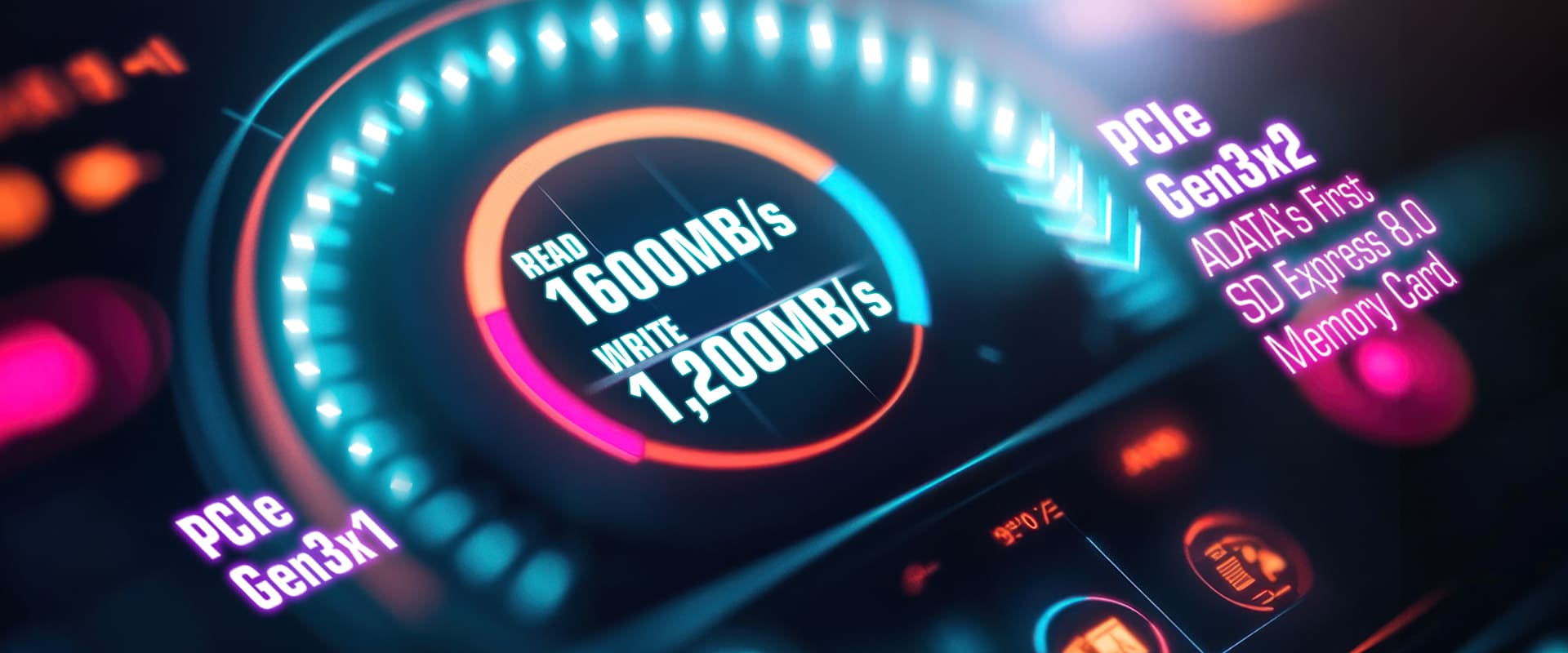
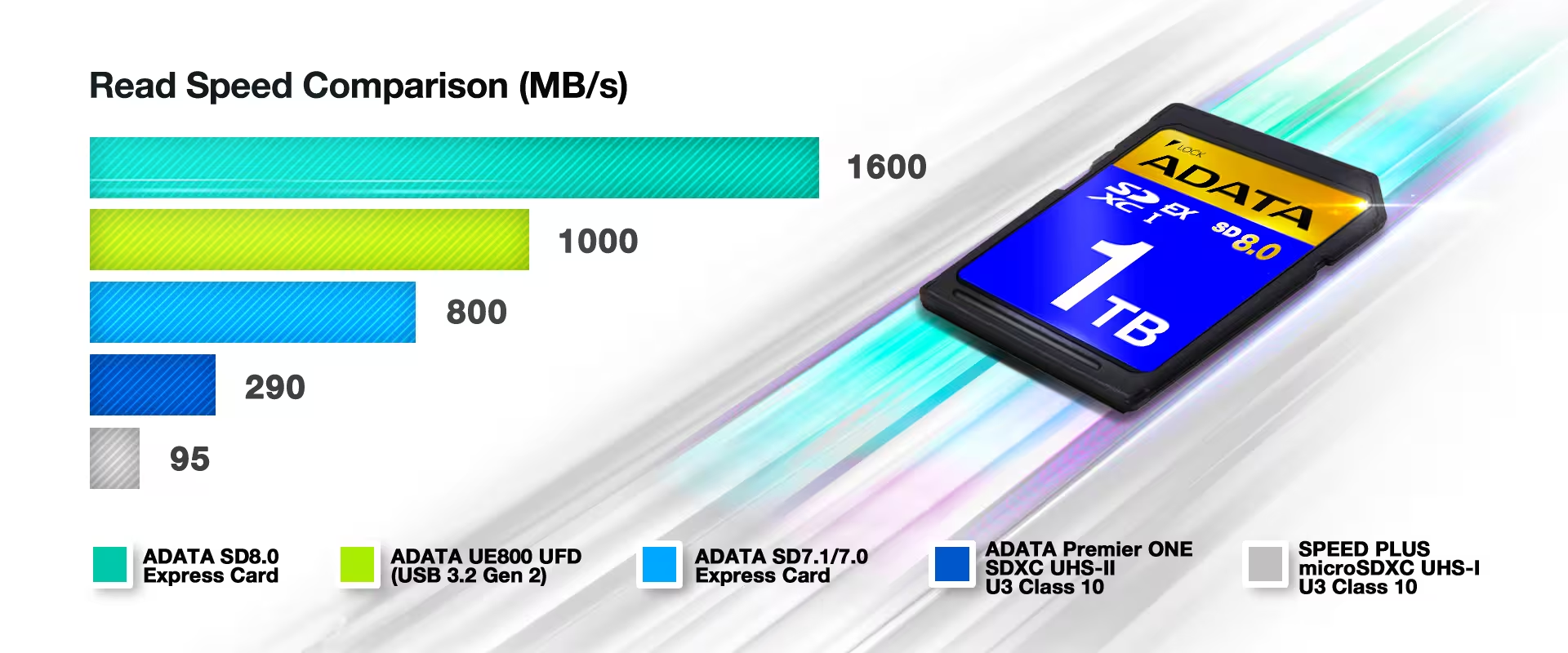
The next-generation Premier Extreme SD 8.0 Express memory card delivers transfer performance up to 1600/1,200 MB/s, which is 4 times faster than a high-speed UHS-II SD card and 12 times faster than a standard UHS-I SD card.
Gen3 x2, Ultimate Performance
The Premier Extreme SD 8.0 Express memory card adopts PCIe and NVMe protocols, using the PCIe Gen3 x2 bus speed to increase read/write performance to 1,600/1,200 MB/s. It ensures all transfers, whether of large files, random small files, or dynamic or static image output, are completed at the highest performance.
Safe, Durable, and Reliable
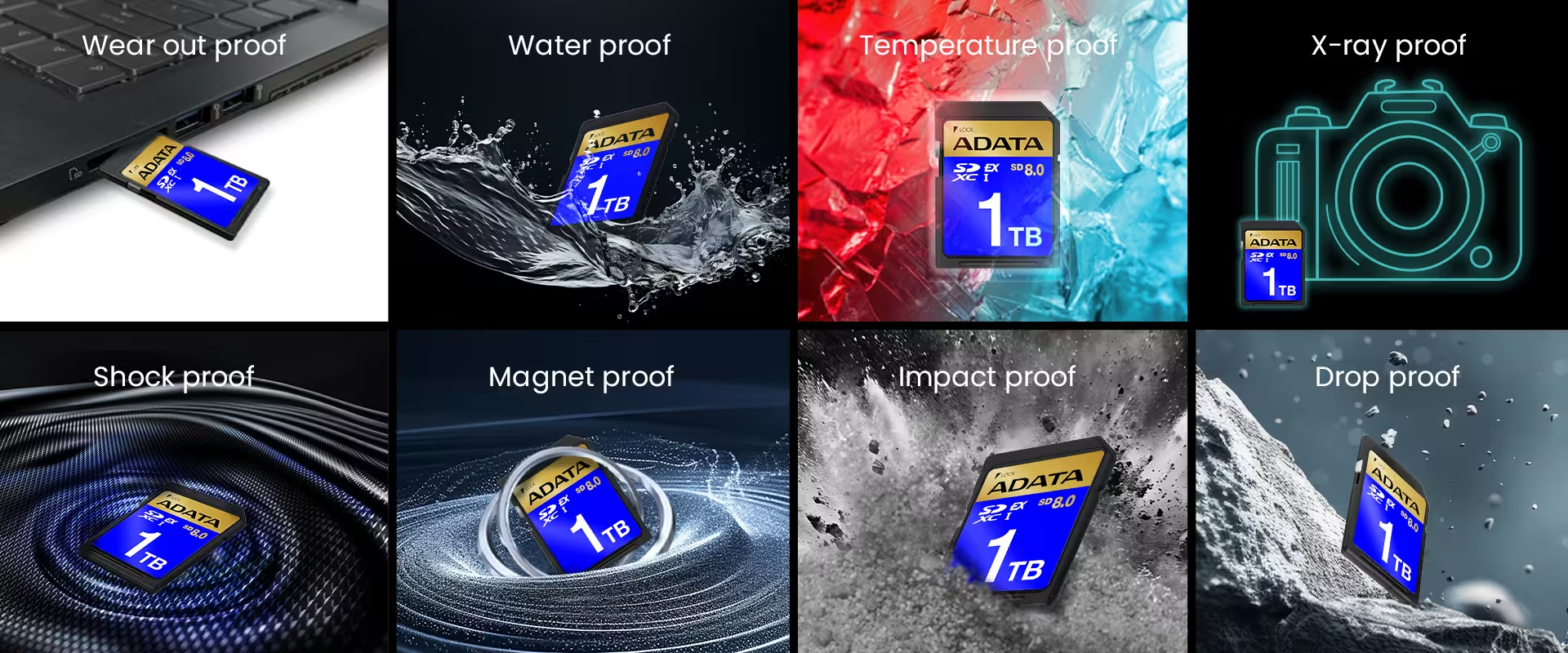
The SDXC Express memory card is equipped with an SSD-level LDPC (Low-density parity-check code) automatic error correction function and has passed liquid, shock, X-ray, anti-static and extreme temperature resistance tests to deliver effective protection for important data.
Ultra-clear Dynamic Recording with no Frame Drops
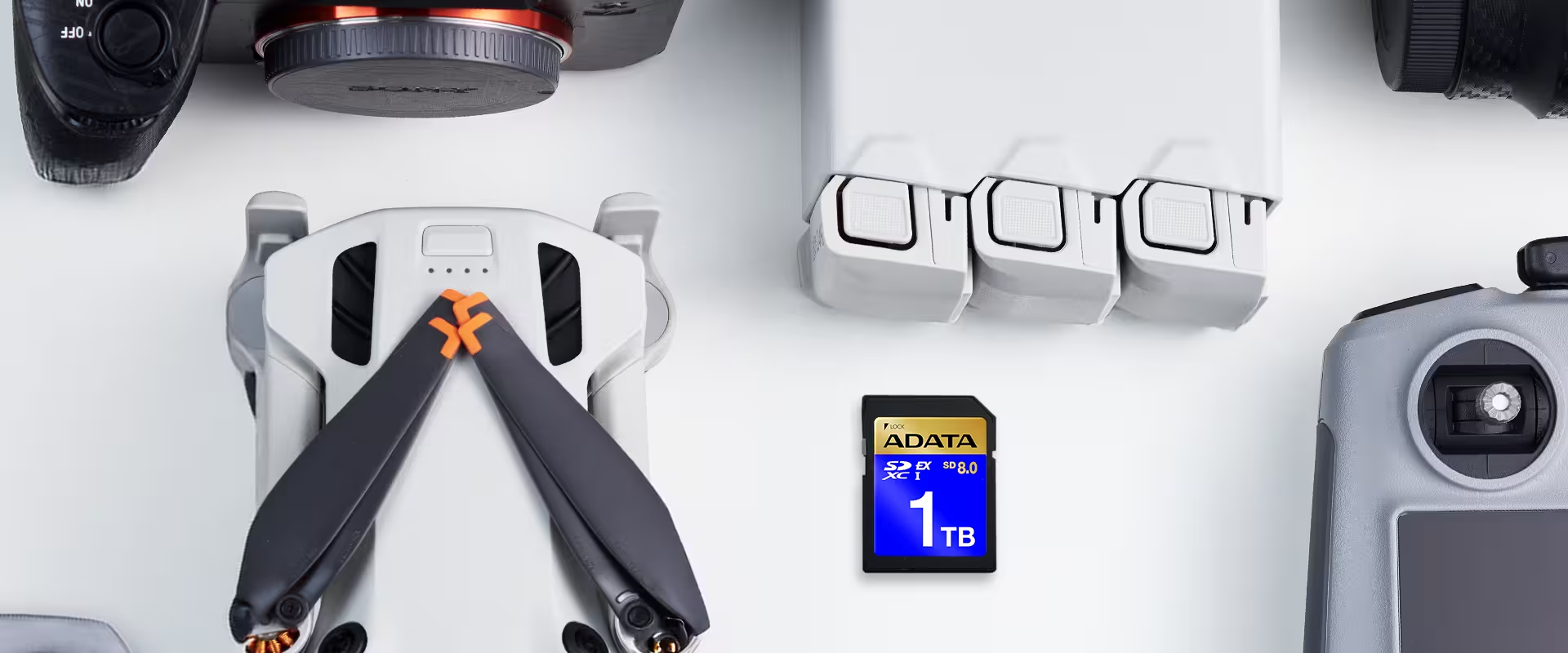
The Premier Extreme SD 8.0 Express memory card can maintain a minimum write speed of nearly 150MB/s and is backward compatible with video speed classes below V30, perfectly facilitating low latency, high-speed photography without frame drops.

Unleash Creativity with 1TB Storage
Available in 1TB capacity options, the Premier Extreme SD8.0 Express memory card can record tens of thousands of photos and hours of 4K videos.
| Capacity | 512GB, 1TB |
|---|---|
| Standard | SD8.0 |
| Speed Class | SD Express: PCIe Gen3 x2 UHS Speed: Class 3 Speed Class: Class 10 Video Speed Class: V30 |
| Working Voltage | 2.7V - 3.6V |
| R/W Performance | up to 1600/1200 MB/s.* |
| Operating Temperature | 0°C to 70°C |
| Dimensions ( L x W x H ) | 32 x 25 x 2.1 mm |
| Weight | 2g |
| Compatibility | PCIe & UHS-I: Laptop/Desktop with card reader UHS-I: Genal card reader/ DSLR / 4K camcorders |
| Certifications | CE, FCC, VCCI, EAC, RCM, UKCA, IC |
| Warranty | Lifetime |
| Remark | *Max speeds only when paired with SD Express compatible device. Backward compatible with UHS-I HOST, at Max speed of 104 MB/s.
Test system configuration : Motherboard: ASUS ROG STRIX X670E-A GAMING, CPU: AMD Ryzen 9 7900X 12-Core Processor @4.7Ghz, Card chip: RTS5261, OS: Windows 11 Pro 23H2, RAM:DDR4 16G Benchmark: CrystalDiskMark 8.0.4 / IO Meter 2006.07.27 / H2Testw V1.4 |
- A:
SD Express cards should be used with HOSTs that support SD Express interface. Actual performance depends on both memory card and Host as explained in below graphs.


- A:
The SD Association has defined various Speed Class standards to answer a demand for advanced video quality recording. Speed Class symbols indicated to host and card products help users decide the best combination for reliable recording (no frame drop). Before use, we recommend checking whether the card’s speed class meets your device’s specifications for optimal performance.

- A: There are lots of reasons that cause memory cards to fail to be recognized. Such as: a. Power has been off during data transfer. b. Memory card was removed during data transfer. c. Taking photos when the battery status is low. d. Memory cards go through X-ray machine. e. Memory cards are close to strong magnetic devices. If your memory card is unable to be read yet meet none of the above situations, please contact us via https://www.adata.com/en/contact or visit our customer service site for further help.
- A: Memory cards cover a wide range of devices when it comes to data storage, including dash cam, action cameras, laptop/PCs, game consoles, smartphones, etc.
- A: The differences in the display of capacity are due to differences in calculation between the computer operating system and the storage device's Controller IC. The storage device usually calculates in the decimal system, while the computer operating system calculates on the basis of the binary system. The calculation of the storage device: 1TB=1000GB, 1GB=1000MB, 1MB=1000KB, 1KB=1000Bytes. The calculation of the operating system: 1TB=1024GB, 1GB=1024MB, 1MB=1024KB, 1KB=1024Bytes. For example, a storage device marked with having 128GB capacity, 128GB=128*1,000*1,000*1,000=128,000,000,000Byte. But, the computing unit of the computer calculation is a binary system, so the 128GB calculated by the storage device is converted into bytes, 128,000,000,000Bytes, so what will be displayed through computer’s calculation method is 128,000,000,000/1024/1024/1024≒119GB. The fastest way to calculate: The capacity labeled on the product x 0.93is about equal to the actual capacity recognized in the computer. Please note that actual capacity may vary depending on OS or host device.
- A: This could happen because 1) Write protection switch is locked. 2) Too many bad data block resulting in memory cards locked by firmware. If your memory card is unable to delete files or format and meet none of the above situations, please contact us via https://www.adata.com/en/contact or visit our customer service site for further help.
- A: Currently the general public uses Smartphones and Tablets with many small software applications and game-based programs. Higher IOPS means the device can more quickly read and write the many small files used by these programs, resulting in more speed and better natural support.
- A: We suggest ADATA’s Premier or Premier Pro series microSDHC or SDHC cards. For more information, please visit toHere