

 A+ Member



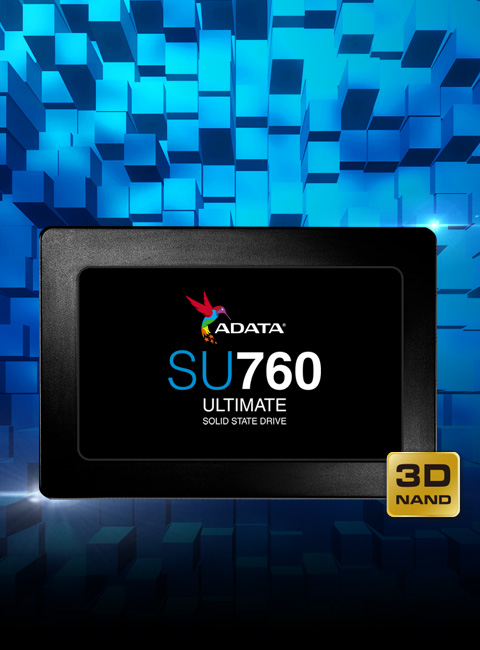
Are you looking to replace your old SSD or HDD? If so, the ADATA Ultimate SU760 solid-state drive is for you. With 3D NAND Flash, it provides higher storage capacity, efficiency, and reliability than 2D NAND. What’s more, it features intelligent SLC Caching to achieve read/write performance of 550/520MB per second. All SU760 models provide high TBW (Total Bytes Written), meaning the number of times an SSD can write its entire capacity in one lifespan. The SU760’s TBW rating outranks many comparable models, indicating a longer-lasting SSD.
*Download SSD ToolBox for Automatic Firmware Updates and More
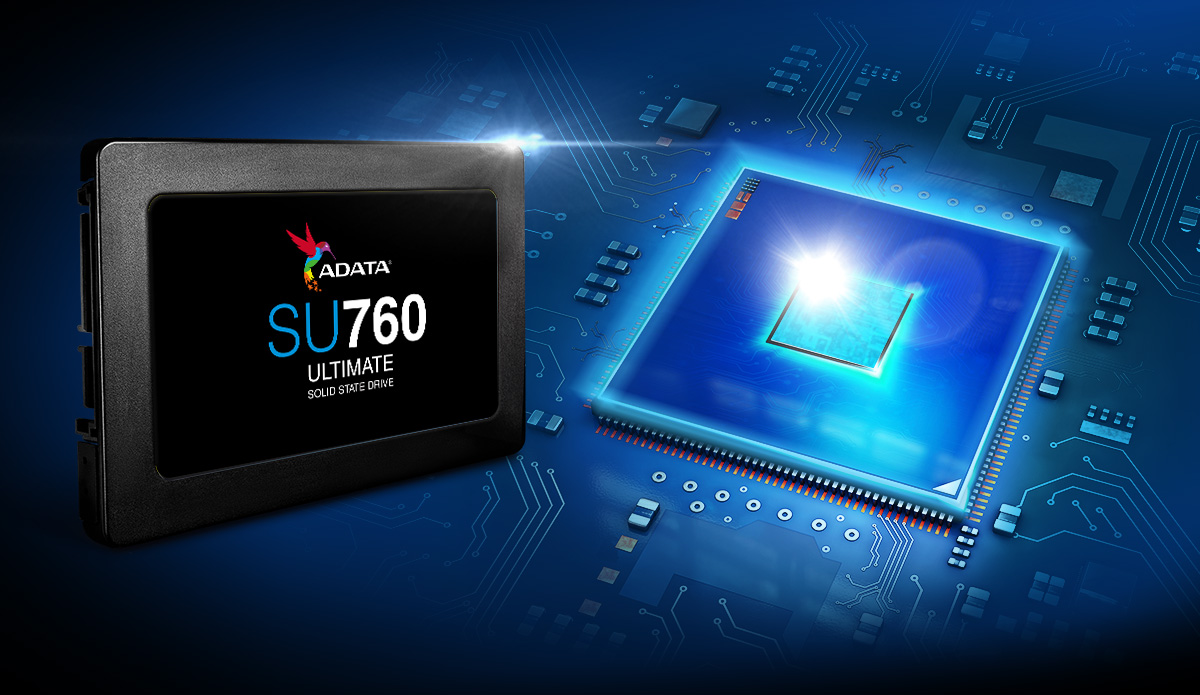
3D NAND Flash – Higher Capacities, More Durable
Implementing 3D NAND Flash, the SU760 features higher storage capacities ranging from 256GB to 1TB, improved efficiency, and better reliability. Whether used as storage or a boot drive, it’s a great upgrade choice!
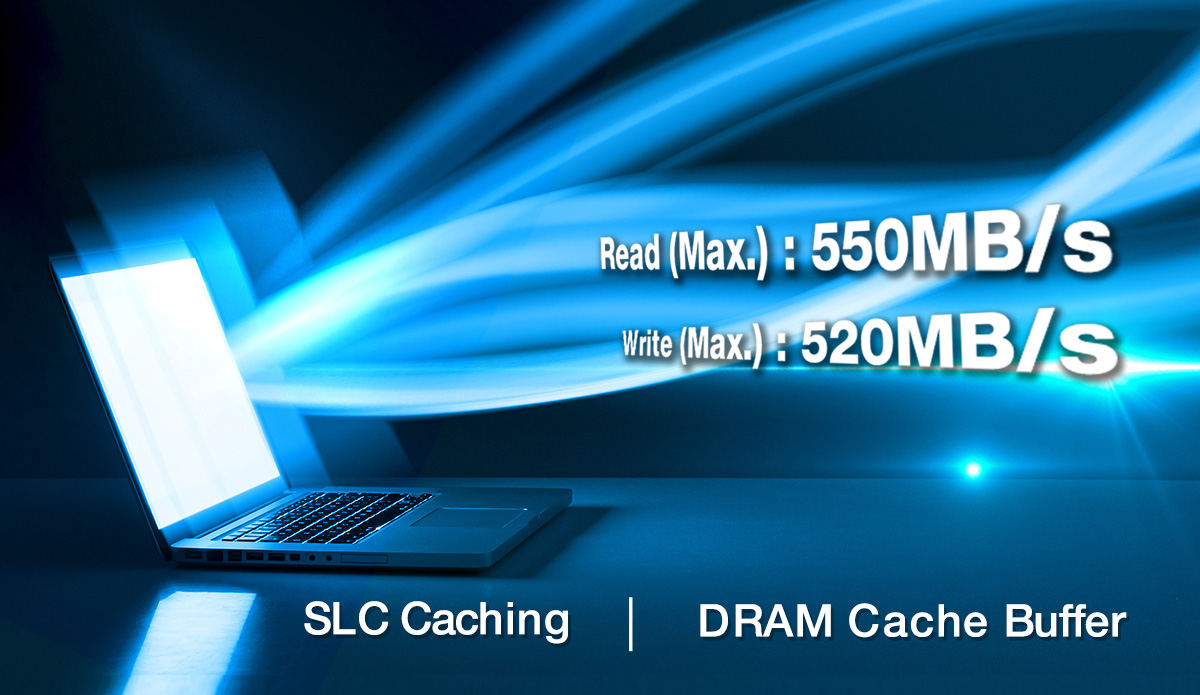
Accelerate Performance
With SLC Caching and DRAM Cache Buffer, the SU760 reaches read/write speeds of 550/520MB per second to accelerate your PC’s performance. There’s no more waiting around. Quickly access files and load programs in a flash!
Improved Data Integrity
With support for LDPC (Low-Density Parity-Check) error correcting code technology, the SU760 can detect and fix errors to ensure data integrity and thus enjoy an extended lifespan.
Resilient, Shockproof, Quiet
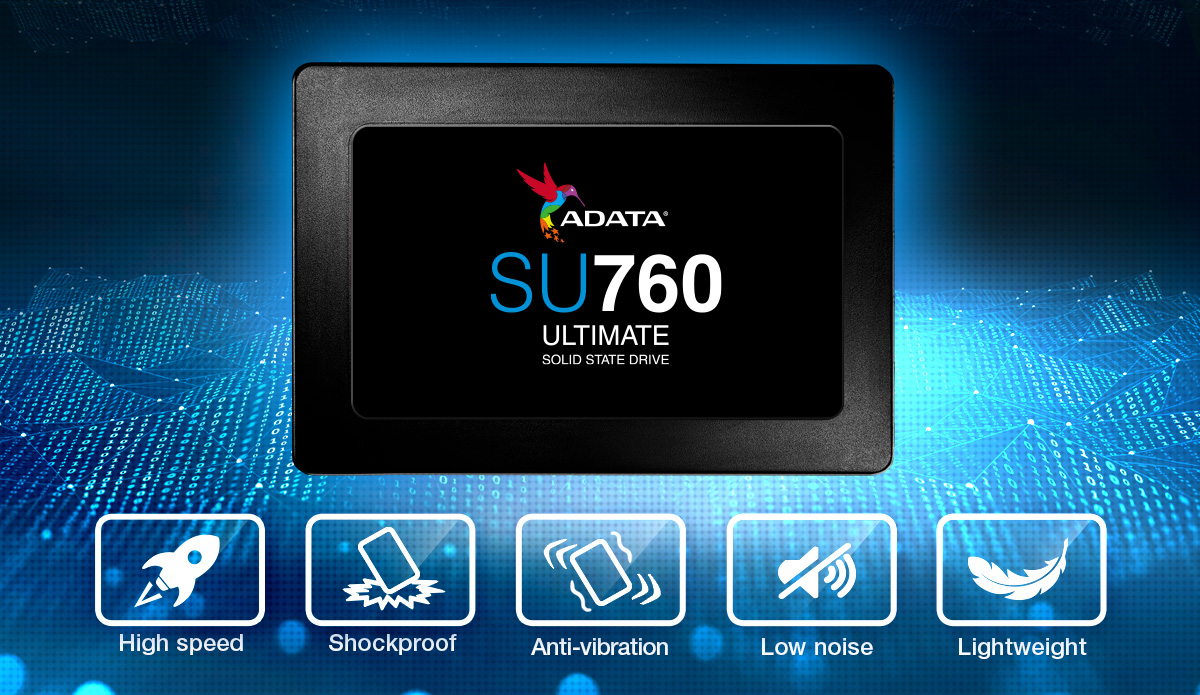
With no mechanical components, SSDs are more resilient than HDDs. They are more resistant to shock, vibration (1500G/0.5ms) and a wide range of temperatures (0°C-70°C), therefore providing better protection for your data. What’s more, SSDs also run silently and consume less power.

SSD Toolbox and Migration Utility
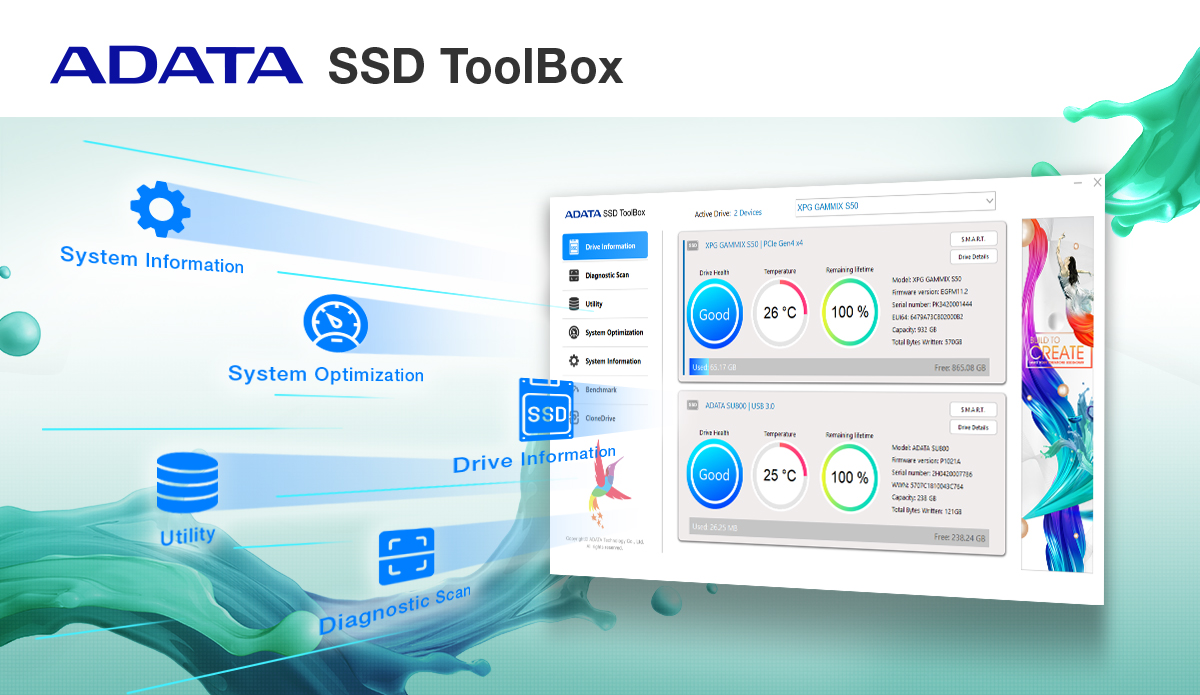
With the purchase of the SU760, users qualify to download ADATA’s SSD Toolbox and Migration Utility free of charge! SSD Toolbox allows users to monitor and manage the SU760, with drive status, wear level, and lifespan information. The Migration Utility is especially helpful for users making the move from HDD to SSD, as it allows for simple and straightforward backup and migration of data, including the operating system.
SSD Toolbox
SSD ToolBox automatically ensures you have the latest firmware for optimal performance and allows for the monitoring of drive health and remaining life through Self-Monitoring, Analysis, and Reporting Technology (S.M.A.R.T.) attributes. It also lets you keep track of the current operating temperature, capacity, and total space used.
| Capacity | 256GB / 512GB / 1TB |
|---|---|
| Form Factor | 2.5" |
| NAND Flash | 3D TLC |
| Weight | 47.5g/1.68oz |
| Interface | SATA 6Gb/s |
| Sequential Read (Max*) | Up to 550MB/s* |
| Sequential Write (Max) | Up to 520MB/s* |
| 4KB Random Read IOPS(Max*) | Up to 65K* |
| 4KB Random Write IOPS(Max*) | Up to 75K* |
| Operating Temperature | 0°C - 70°C |
| Storage Temperature | -40°C - 85°C |
| Shock Resistance | 1500G/0.5ms |
| MTBF | 2,000,000 hours |
| Terabytes Written (TBW)(Max Capacity*) | 800TB |
| Warranty | 3-year limited warranty |
| Remark |
|
- A:First, please refer to your system's user manual to ensure the issue is not related to the host device or hardware. We recommended doing some basic software-level troubleshooting. Use SSD Toolbox to check your SSD status, then go to "Utility" in the left sidebar and select "Firmware Update" to update. Once the update is complete, restart your system—this can help resolve intermittent issues like these.Important: Before updating the firmware, be sure to back up your valuable data and keep the system powered on throughout the update process to avoid update failure.
- A:
Please first confirm whether you have set the SSD as a virtual disk (Control Panel>System and Security>Storage Spaces). Toolbox is unable to detect a virtual disk. You can delete the virtual disk in Storage Spaces or format and initialize the SSD in Disk Management. Toolbox will then recognize the SSD.